


Best Multi-Timer for Labs 2026 — Top Tools for Lab Protocol Timing
Summary
Takeaways: “Many countdowns” is not enough for protocols—you need structure (steps), continuity (sync across steps), and often sharing. Below: criteria for lab work, real scenarios where generic multi-timers fail, and a concise decision table.
Running a lab protocol often means multiple timers at once: denaturation, annealing, extension, incubation, washes, instrument methods. Generic “multi-timer” apps give several countdowns on one screen, but they are rarely built for ordered phases, repeating cycles, or handoffs between people. Here is what separates a lab-ready multi-timer from a kitchen timer with extra bells.
What makes a multi-timer “lab-ready”?
A lab multi-timer is not only “many timers on one screen.” For PCR, cell culture, immunostaining, chromatography prep, and similar workflows, you typically need:
- Multiple timers — Run several countdowns (or count-ups) at the same time when the protocol truly parallels tasks.
- Steps — Organize timers by protocol phase so you always know where you are in the method—not only how long something has run.
- Timer sync across steps — Start timers in an early step; when you advance, the same logical timers stay coherent so you are not re-entering durations or losing elapsed context.
- Reusable protocols — Save a named setup (“Primary antibody overnight”, “qPCR 2-step”) instead of retyping times before every run.
- Sharing — One authoritative version of the timing logic for the group, not six slightly different phone presets.
Without steps and sync, you are juggling alarms. With them, you have a protocol-aware multi-timer.
Where generic multi-timers break down (real scenarios)
- Serial washes (Western, IF, Northern): The issue is not “five timers” but which wash you are on and whether someone else can resume your sequence after a break.
- PCR / qPCR: You care about alignment with the instrument program and orientation during long cycle counts—not five unrelated countdowns.
- Multi-instrument days: Plate reader, shaker, and hood steps interleave; structure beats a flat list of beeps.
- Training: A new student can follow named steps; they cannot infer order from anonymous Timer 1–4.
Top multi-timer options for labs (compared)
| Option | Multiple timers | Steps / structure | Timer sync across steps | Share protocol | Best for |
|---|---|---|---|---|---|
| Phone multi-timer apps | Yes | No | No | No | Quick tasks, not protocols |
| Kitchen / productivity timers | Yes | No | No | No | Single sessions |
| Spreadsheets + timers | Manual | Yes (rows) | No | Yes (file share) | Planning, not live runs |
| Lab Laps | Yes | Yes (steps + groups) | Yes | Yes (link + import) | Running lab protocols |
Compare multi-timer apps for lab protocols
Score | Tool | Cost / access | Usability | Protocol tracking | Phone app | Lab tools |
|---|---|---|---|---|---|---|
| 5/5 | Purpose-built protocol runner: named steps, multiple timers, sync across steps, offline use, and one-link sharing. | 4/5 | 5/5 | |||
| 4/5 |  ELN and inventory platform—you can run structured, timed workflows in the web app on desktop; no bench-focused mobile protocol runner. | 2/5 | 3/5 | |||
| 3.5/5 | Flexible docs and databases for lists; you can outline steps but there is no lab-specific timing layer. | 5/5 | 4/5 | |||
| 3/5 |  Digital lab notebook for compliance and archiving—timed notebook workflows on desktop; not a native phone app for live bench protocol timing. | 3/5 | 2.5/5 | |||
| 2/5 |  Excel & Google Sheets Excel & Google SheetsPlan durations in a grid and share files—no native running timers or step workflow while you work. | 5/5 | 3.5/5 | |||
| 1.5/5 |  Timer apps Timer appsPhone or kitchen timers—cheap and immediate, but no named steps, sync across phases, or shareable protocols. | 4/5 | 4.5/5 |

Strong Mixed Weak
Scores reflect bench fit for timed, multi-step protocols, not a full product review—use them alongside your own pilot on one real assay.
- Phone / productivity multi-timers — Fine when tasks are independent. Weak when order and shared understanding matter.
- Spreadsheets — Excellent for designing timelines; poor as a live conductor unless paired with a real timing layer.
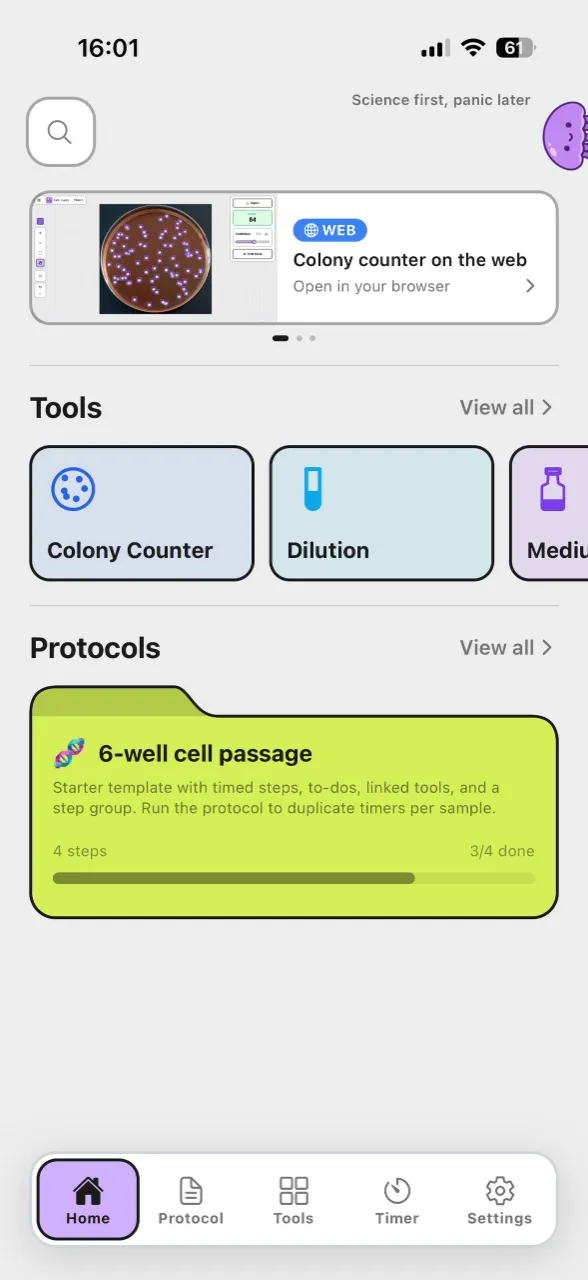
- Lab Laps — Built for multi-step lab protocols: multiple timers inside steps, sync across steps, share for lab-wide consistency.
Why Lab Laps ranks strongly for lab multi-timing
Lab Laps combines real multi-timing with protocol structure and sync. You create a project, add steps (and optional groups), attach one or more timers per step, and enable Sync timers. Start once; as you move through steps, the same timer set stays meaningful—fewer duplicate entries, less arithmetic under pressure.
In short:
- Multiple timers — As needed per step (e.g. denature, anneal, extend).
- Steps and groups — Reflect blocks like “Lysis”, “Binding”, “Elution”.
- Sync timers — Shared logical timers across steps when your workflow requires continuity.
- Reusable — One project per protocol; reopen for the next replicate.
- Share — Link-based handoff to collaborators.
- Browser-first — No install; optional account for cross-device sync.
- Free to start — Run timers without signing in until you want persistence.
Hygiene and “good enough” lab practice
Even the best app does not replace method validation, control samples, or environmental monitoring. What it does reduce is procedural variance: starting incubations late, skipping a wash because the alarm stack was confusing, or running incompatible timings across teammates.
When to use a simpler multi-timer
If you only need several independent countdowns with no ordered protocol (e.g. “remind me in 5, 10, and 15 minutes” for unrelated tasks), a generic app is enough. For protocols—especially those with repeating phases, shared lab standards, or multi-person coverage—a lab multi-timer with steps and sync is the safer default.
Summary: best multi-timer for labs
| Need | Best choice |
|---|---|
| Several timers, no protocol structure | Any multi-timer app |
| Multi-step protocol, synced timers, sharing | Lab Laps |
| Planning protocol timelines (no live run) | Spreadsheet |
| Whole lab on the same protocol | Lab Laps (share link, import) |
For multi-step lab protocols where timing and consistency matter, Lab Laps is a strong fit: multiple timers, steps, sync, and sharing in one tool oriented toward how experiments are actually run.
Try Lab Laps — create a project, add steps and timers, turn on sync, and run your next protocol with a multi-timer built for lab structure—not just more alarms.