


Lab Timer Workflow for PCR and Thermo-Cycling
Summary
What you’ll learn: how thermal cyclers and human-side timing interact, when a separate lab timer helps (holds, post-run steps, multi-instrument days), and a short checklist to avoid the most common PCR timing errors.
PCR and qPCR runs follow a fixed pattern: denaturation, annealing, extension, repeat. The thermocycler enforces temperature and time for each stage. A lab timer is not a substitute for that program—it is a second layer for everything the machine does not track: when to come back, what to do the moment a stage ends, and how to stay aligned when you are running several instruments or samples at once.
Compare lab timers for PCR and cycling workflows
Score | Tool | Cost / access | Usability | Protocol tracking | Phone app | Lab tools |
|---|---|---|---|---|---|---|
| 5/5 | Purpose-built protocol runner: named steps, multiple timers, sync across steps, offline use, and one-link sharing. | 4/5 | 5/5 | |||
| 4/5 |  ELN and inventory platform—you can run structured, timed workflows in the web app on desktop; no bench-focused mobile protocol runner. | 2/5 | 3/5 | |||
| 3.5/5 | Flexible docs and databases for lists; you can outline steps but there is no lab-specific timing layer. | 5/5 | 4/5 | |||
| 3/5 |  Digital lab notebook for compliance and archiving—timed notebook workflows on desktop; not a native phone app for live bench protocol timing. | 3/5 | 2.5/5 | |||
| 2/5 |  Excel & Google Sheets Excel & Google SheetsPlan durations in a grid and share files—no native running timers or step workflow while you work. | 5/5 | 3.5/5 | |||
| 1.5/5 |  Timer apps Timer appsPhone or kitchen timers—cheap and immediate, but no named steps, sync across phases, or shareable protocols. | 4/5 | 4.5/5 |


Strong Mixed Weak
Scores reflect bench fit for timed, multi-step protocols, not a full product review—use them alongside your own pilot on one real assay.
What the cycler does vs what you still have to time
- The cycler runs your programmed denature / anneal / extend (or 2-step) profile and the final hold (often 4–10°C).
- You still manage prep work (master mix, loading), post-run steps (ice, gel, freezing lysate), and coordination with other tasks—especially if one person loads while another reads a plate reader or tends a hood.
A timer that mirrors your mental model of the run (“where we are in cycles,” “how long until I should check the lid”) reduces cognitive load so you are less likely to miss a manual step that the protocol assumes but does not automate.
2-step vs 3-step programs (and why labels matter)
Three-step PCR uses separate denaturation, annealing, and extension temperatures—common when annealing must be clearly below extension temperature.
Two-step PCR combines annealing and extension into one temperature—often used in qPCR when the combined temperature works for both primer binding and polymerase extension, which can shorten cycle times.
When you build timers in software, name steps to match your instrument program (including “initial denaturation” and “final extension” if they exist outside the repeat loop). That alignment matters when something goes wrong mid-run and you need to compare what you thought was happening with what the machine is doing.
Practical timing mistakes (even when the program is correct)
- Cycle count in your head — You note “40 cycles” but lose track during a long run; a structured timer view helps you stay oriented without staring at the cycler.
- Ignoring the final extension — Many protocols include a final extension after the main loop; downstream steps (cloning, sequencing prep) assume fully extended products.
- Hold vs hurry — A 4°C hold is not “off”; samples may sit for unpredictable lengths. Decide in advance when you will pull tubes or plates and where they go next (ice, −20°C, immediate extraction).
qPCR-specific notes (without replacing your assay validation)
- ROX or passive dye: Your analysis software handles normalization; your timing discipline is still about consistent loading, avoiding premature lid opening, and matching standard curves across runs when you compare Ct values.
- Plate effects: Timing consistency helps batch comparability—if everyone starts incubations and reads on the same schedule, you reduce avoidable variance that looks like biological noise.
Optional: groups for ramp and hold
If your protocol has a “Ramp” or “Hold 4°C” block, add a group (e.g. “Initial denature + hold”) and put those steps inside. Use the main steps for the repeating cycles so the structure matches how you read the method section of a paper or SOP.
Quick checklist before you start
- Program name on the cycler matches your written protocol (temperatures, times, cycle count, final extension).
- Timer labels match that same vocabulary so handoffs between people are unambiguous.
- Post-run destination is decided (ice, gel, freezer, reader)—not invented when the beeper goes off.
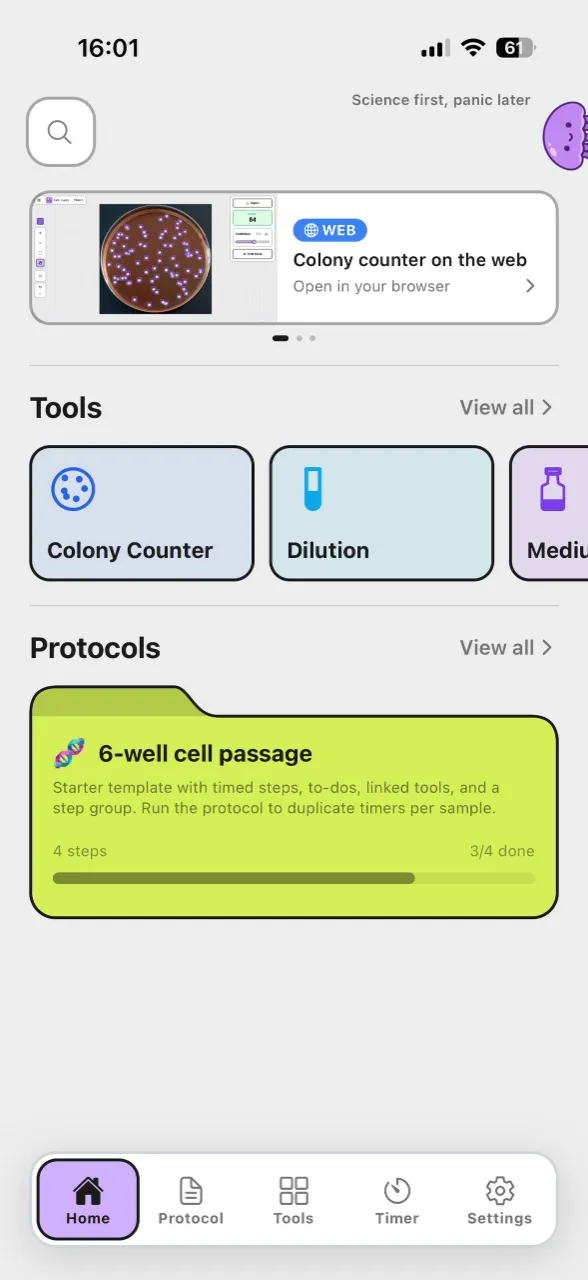
Lab Laps supports multi-step protocols, timer sync, and autosave. Try it on your next PCR run.