
Best multi-timer app for labs
The hardest part of multi-timer work is not creating timers. It is keeping them connected to the protocol so no one asks: "Which timer is this for?" during a critical step.
Need a quick parallel countdown in the browser? Try the free online lab multi timer.
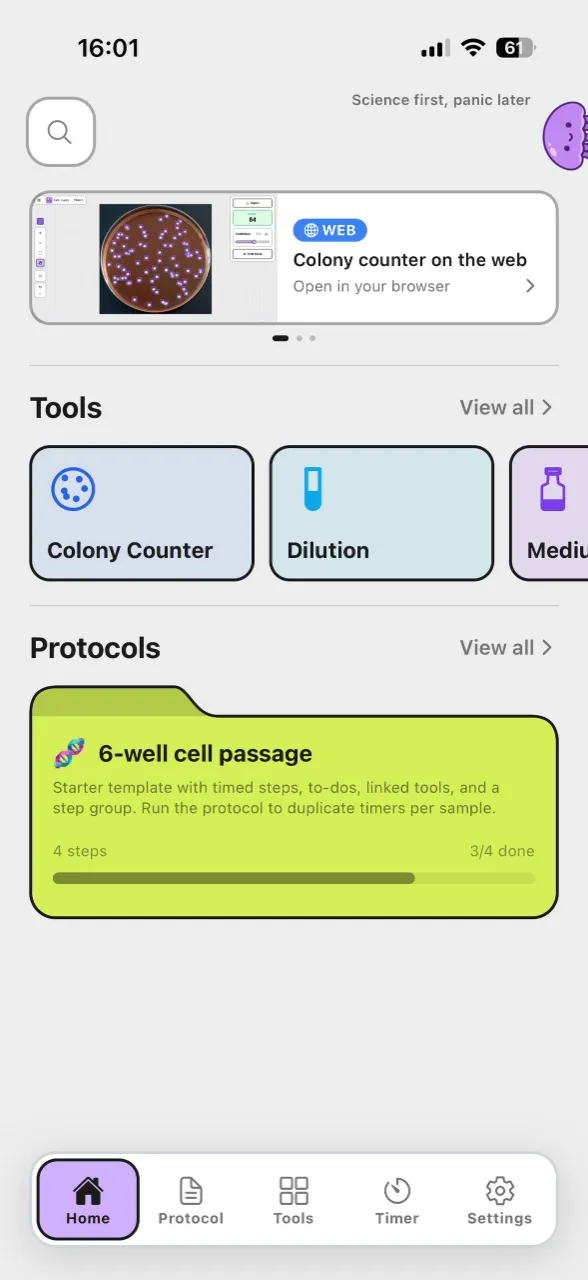
See multi-timer tracking in action with lab laps
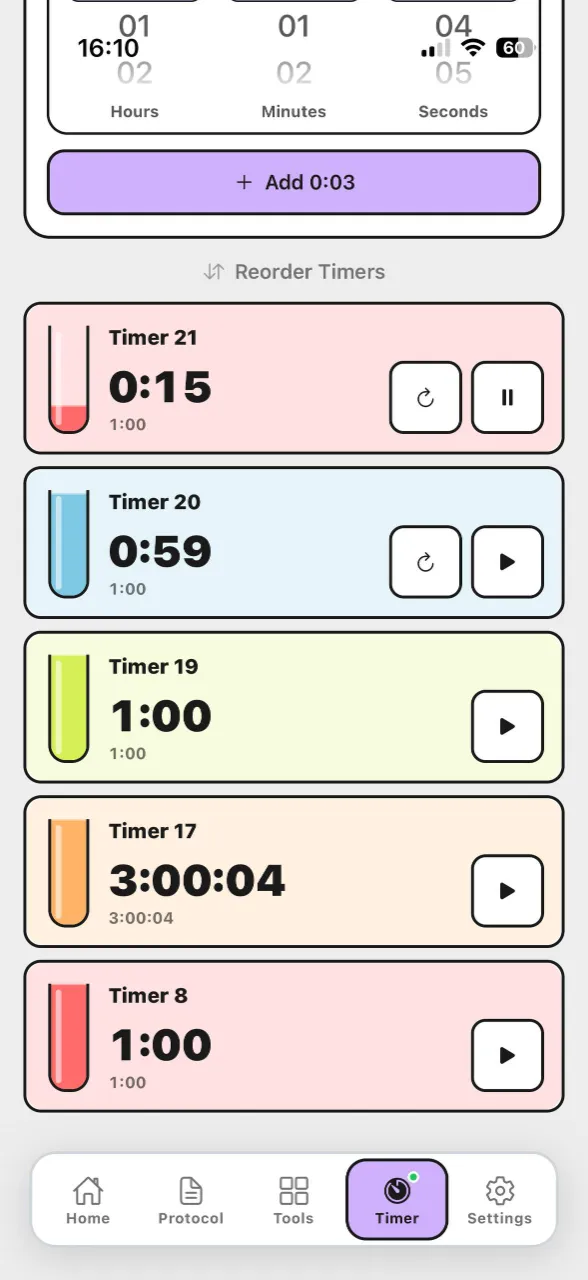
Comparison table
This table compares lab timing options with a focus on live protocol execution, overlap clarity, and team handoff reliability.
Score | Tool | Cost / access | Usability | Protocol tracking | Phone app | Lab tools |
|---|---|---|---|---|---|---|
| 5/5 | Purpose-built protocol runner: named steps, multiple timers, sync across steps, offline use, and one-link sharing. | 4/5 | 5/5 | |||
| 4/5 |  ELN and inventory platform—you can run structured, timed workflows in the web app on desktop; no bench-focused mobile protocol runner. | 2/5 | 3/5 | |||
| 3.5/5 | Flexible docs and databases for lists; you can outline steps but there is no lab-specific timing layer. | 5/5 | 4/5 | |||
| 3/5 |  Digital lab notebook for compliance and archiving—timed notebook workflows on desktop; not a native phone app for live bench protocol timing. | 3/5 | 2.5/5 | |||
| 2/5 |  Excel & Google Sheets Excel & Google SheetsPlan durations in a grid and share files—no native running timers or step workflow while you work. | 5/5 | 3.5/5 | |||
| 1.5/5 |  Timer apps Timer appsPhone or kitchen timers—cheap and immediate, but no named steps, sync across phases, or shareable protocols. | 4/5 | 4.5/5 |

Strong Mixed Weak
What separates useful from noisy multi-timers
- Timers should be attached to named steps, not a flat list of countdowns
- Parallel timers must stay readable when several alarms overlap
- Step transitions should not force manual timer recreation or mental recalculation
- Team members need the same timing structure during handoffs and training
Where Lab Laps adds real value
- Multi-timers are embedded inside step-by-step protocol runs
- Projects can be shared so colleagues execute the same timing logic
- You keep operational tools nearby (for example dilution or notes) in one workflow
- Works well for repeated routines where consistency matters more than custom UI tweaks
When another app is enough
- You only run one countdown at a time
- You do not need reusable protocol structures or team handoffs
- Your timing is low-risk, and mistakes do not affect sample quality
Bottom line
Lab Laps is best if your lab needs multi-timer control with protocol context, not just more alarms. It is built for runs where step order, overlap, and handoff clarity decide whether the experiment is reproducible.
Frequently asked questions
Why are generic timer apps not enough for lab protocols?Generic timers run countdowns but do not keep them tied to named steps, which makes handoffs and parallel runs easier to misinterpret.
Generic timers run countdowns but do not keep them tied to named steps, which makes handoffs and parallel runs easier to misinterpret.
What should I check in a lab multi-timer app?Look for step-linked timers, clear overlap visibility, and a workflow that preserves timing context when moving between protocol phases.
Look for step-linked timers, clear overlap visibility, and a workflow that preserves timing context when moving between protocol phases.
When does a multi-timer workflow improve reproducibility?It helps most when multiple timed actions overlap and teams need to repeat the same sequence with low variation across operators.
It helps most when multiple timed actions overlap and teams need to repeat the same sequence with low variation across operators.