

Why a structured lab report template helps
A consistent report format makes experiment outcomes easier to review, compare, and reproduce. It helps teams capture method changes, deviations, and key data in one place so reviewers can understand both what happened and why results looked the way they did.
Word (.docx) vs PDF for report workflows
Use the DOCX version while drafting and revising. Use the PDF version when you need a fixed copy for submissions, signatures, or archive snapshots after approval.
How to use this lab report template
- Enter experiment metadata: title, date, team members, and report version.
- Summarize objective and method in concise, auditable language.
- Add results in tables/figures with units, controls, and calculation assumptions.
- Write a discussion that explains trends, anomalies, and likely error sources.
- Close with conclusion, next steps, and references.
What makes a strong laboratory report
High-quality reports typically include:
- Raw values and processed values with transparent calculation steps
- Control outcomes and acceptance criteria where relevant
- Clear statement of deviations from the planned protocol
- Actionable follow-up recommendations for the next run
From live run to final report
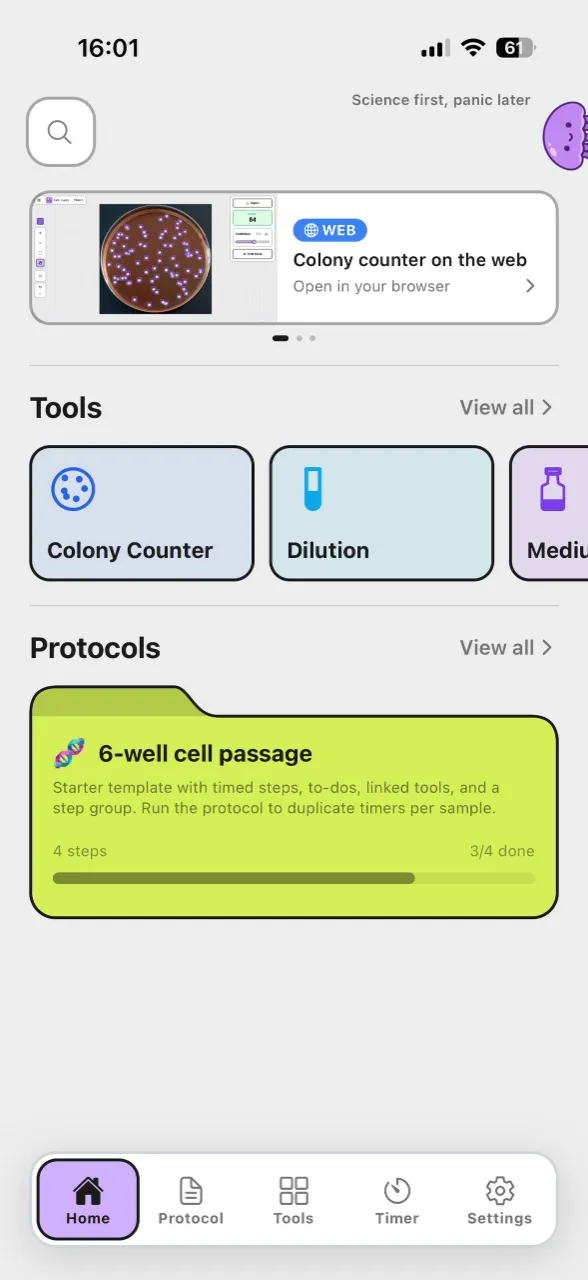
Reports capture completed work, but they do not guide timing during execution. For live bench workflows, Lab Laps helps you run named steps with multiple timers, offline-friendly access, and optional sync when you sign in.
Frequently asked questions
Is this lab report template free to download?Yes. You can download and reuse the files without sign-up. Adapt the structure to your institution or course requirements before submitting final reports.
Yes. You can download and reuse the files without sign-up. Adapt the structure to your institution or course requirements before submitting final reports.
When should I use Word vs PDF for a lab report template?Use Word (.docx) to edit sections, add your logo, and tailor the formatting. Use PDF when you need a stable layout for printing or read-only sharing.
Use Word (.docx) to edit sections, add your logo, and tailor the formatting. Use PDF when you need a stable layout for printing or read-only sharing.
Can this template replace institution-specific reporting formats?It is a general starter template, not a substitute for mandatory institutional formats. If your school, lab, or quality system has specific sections, include them before use.
It is a general starter template, not a substitute for mandatory institutional formats. If your school, lab, or quality system has specific sections, include them before use.
What is the difference between a protocol and a report?A protocol describes what you plan to do; a report documents what you did and what you observed. This page focuses on the reporting side after experiment execution.
A protocol describes what you plan to do; a report documents what you did and what you observed. This page focuses on the reporting side after experiment execution.
Does this template include live timers?No. The downloads are static documents. For live, step-based timers during bench work, use the Lab Laps app workflow alongside your report files.
No. The downloads are static documents. For live, step-based timers during bench work, use the Lab Laps app workflow alongside your report files.
Related guides
Continue with these workflow guides to improve experiment execution and documentation:
- How to track a protocol in the lab — operational structure for real bench runs.
- Lab experiment tracker comparison — compare paper, spreadsheets, ELNs, and protocol tools.