

About this lab multi timer
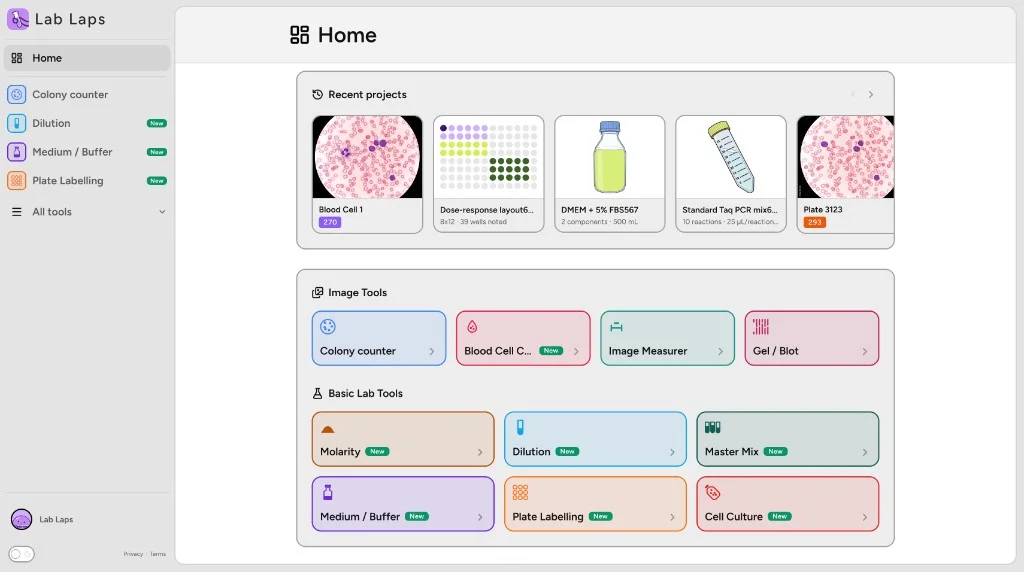
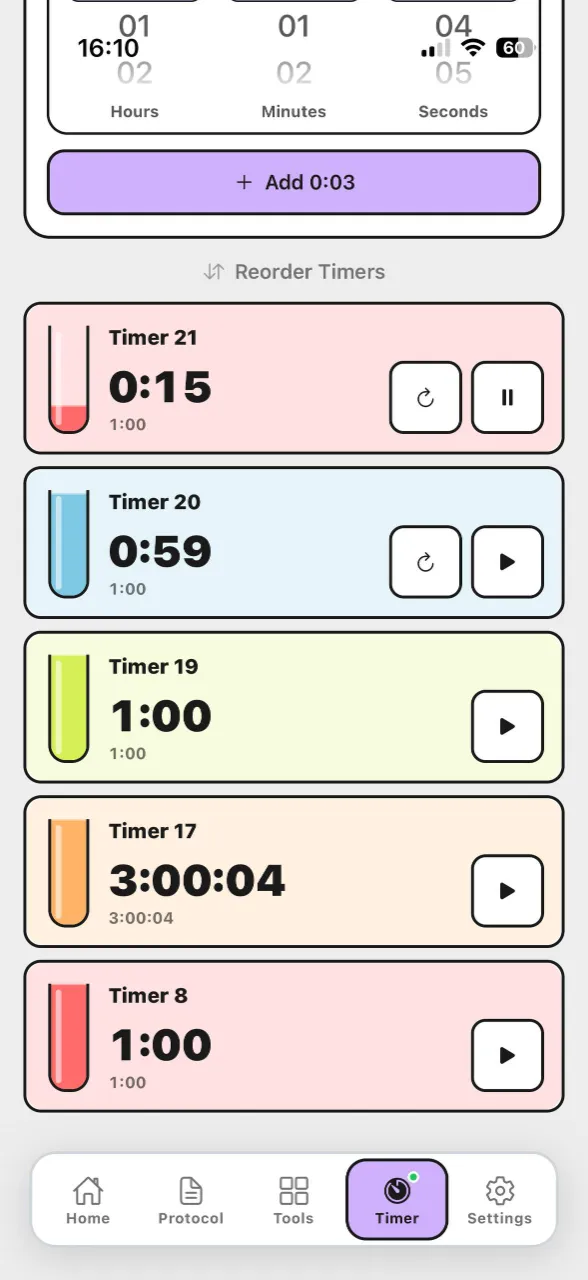
This free online multi timer helps you run several named countdowns at once in the browser. Create each timer with a label and duration, start them in parallel, and pause or reset individually while you work at the bench.
No timers yet
Pick a time on the left and add it.
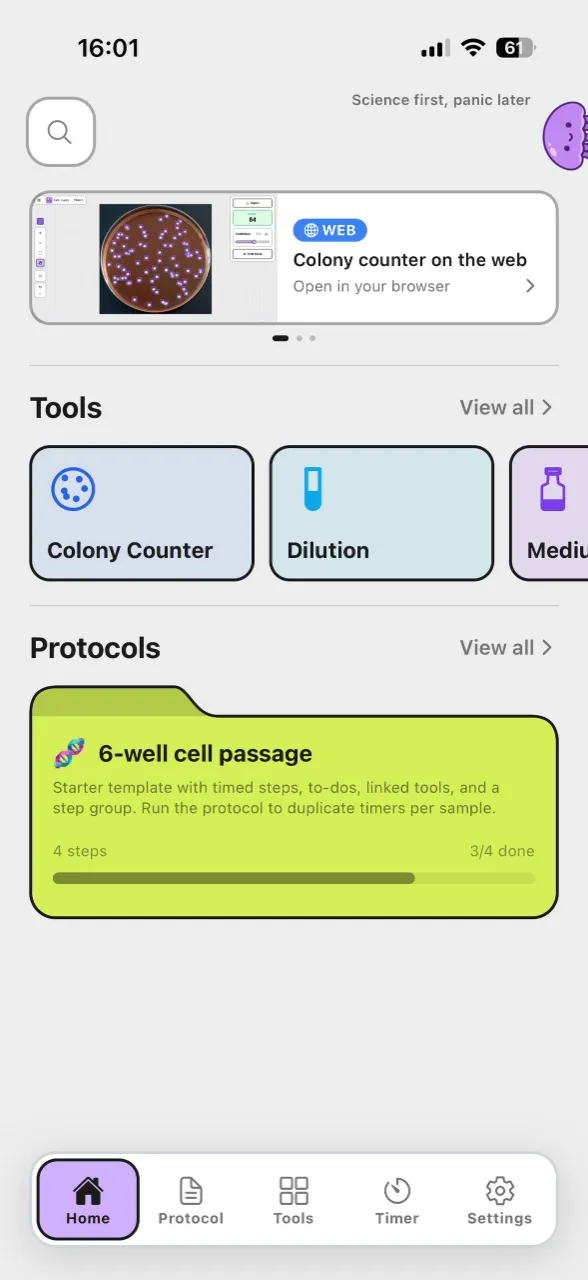
Download the app for timers linked to protocol steps, or sign in for more lab tools in the web workspace.
Step 1
Step 2
Step 3
Step 4
Use the website when you need several named countdowns running together — incubations, washes, or prep steps — without installing an app or creating an account.
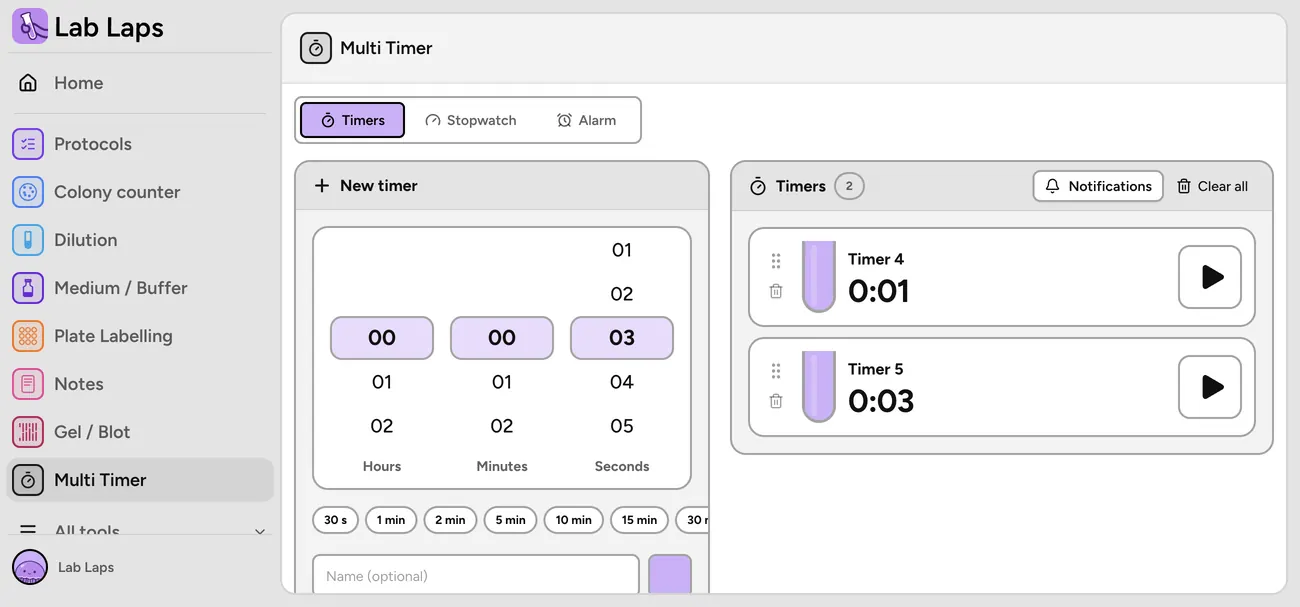
This free online multi timer helps you run several named countdowns at once in the browser. Create each timer with a label and duration, start them in parallel, and pause or reset individually while you work at the bench.
Useful for researchers, students, and lab teams who need quick parallel countdowns during experiments, tissue culture, extractions, or instrument runs — especially when several timed steps overlap on the same day.
Yes. The web multi timer is free and does not require a login. Create named timers, run them in parallel, and control each one independently in your browser.
You can add as many named timers as you need for a session and start several at the same time. Each timer counts down on its own so overlapping incubations, washes, or prep steps stay visible.
Timers run in your browser while the page stays open. If you close the tab or refresh, running timers stop. Timer names and durations are saved locally on your device until you clear them.
Yes. Start, pause, reset, and remove controls apply to each timer individually so parallel work stays manageable.
This page is a quick, free multi-timer for the bench. The Lab Laps mobile app links timers to protocol steps, syncs timing across steps, and saves projects for teams — better when step order and handoffs matter.
Use the website for fast, no-login parallel countdowns. Use the app when you need reusable protocols, step-linked timers, sharing, notes, and the rest of the Lab Laps workflow.
Download Lab Laps and keep your timers, protocols, and tools together in one app.