

• Free
  • RBC / WBC / Platelets
  • Automatic AI

Free Online Blood Cell Counter

Loading…

For research and education only.

Step 1

Upload a clear blood smear image

Step 2

AI detects RBCs, WBCs, and platelets

Step 3

Review and fix boxes

Step 4

Export as image

How this web tool fits

Online blood cell counting

Use the website for fast, no-login blood cell counting from stained blood smear images. Upload a smear photo, run AI detection for RBCs, WBCs, and platelets, then correct boxes before recording your reviewed count.

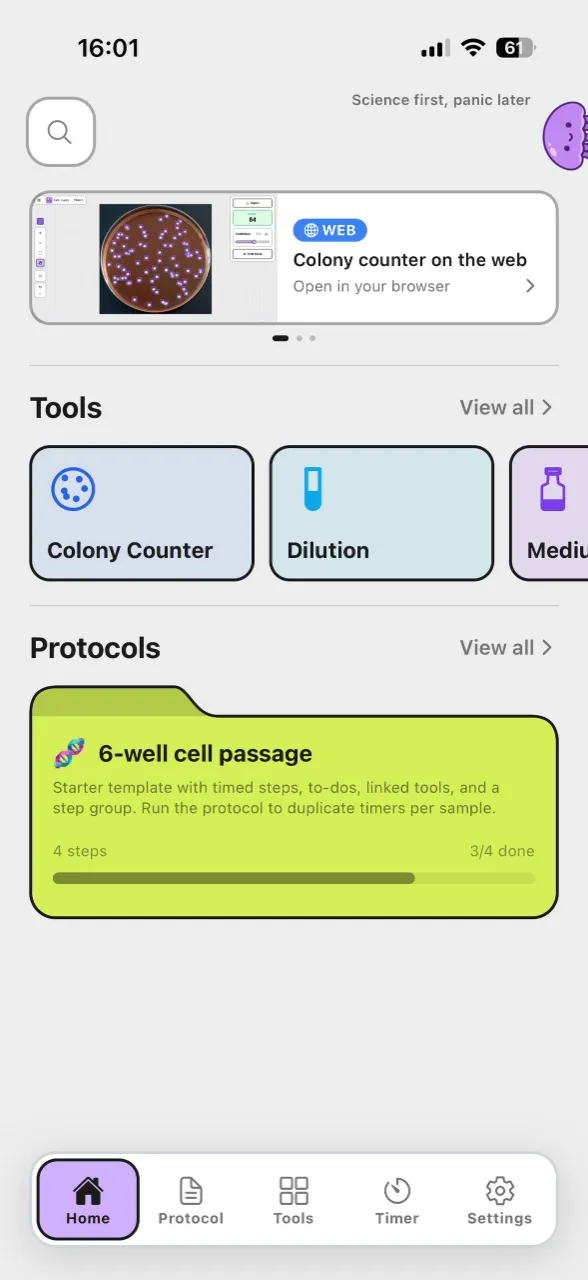
For research and education only — not for clinical diagnosis. For protocol-integrated workflows (timers, notes, saved projects, and more tools), continue in the Lab Laps mobile app.

Get the app
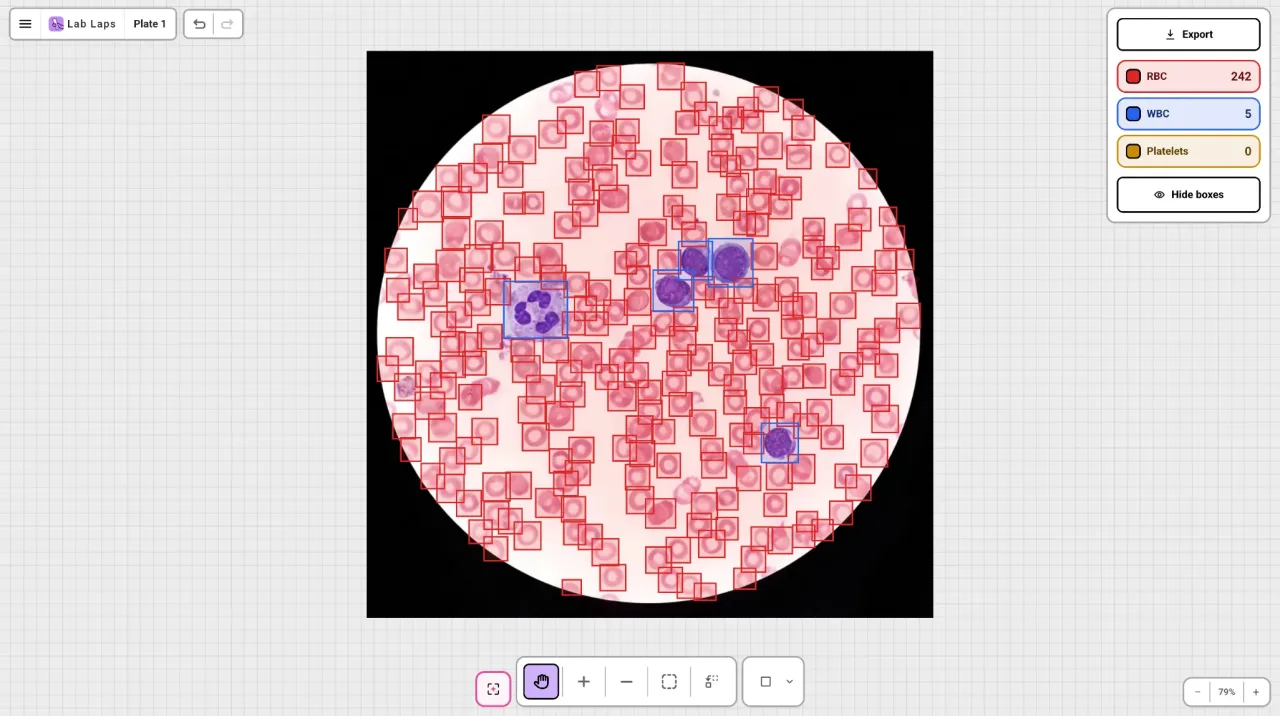
AI-assisted blood cell detection in the Lab Laps blood cell counter tool

About this blood cell counter

Use this free online blood cell counter to estimate blood smear cell counts from an image in seconds. The tool detects red blood cells, white blood cells, and platelets with automated counting so you can review boxes, adjust detections, and keep a clear reviewed count. It is intended for research and education, not clinical diagnosis.
How it works

  1. 1Upload a clear, stained blood smear image.
  2. 2Run AI detection to count RBCs, WBCs, and platelets automatically.
  3. 3Review detections, then copy or download your reviewed result.

Who is this for?

This blood cell counter is useful for researchers, educators, and students who need quick cell-count estimates from de-identified blood smear images. It helps standardize counting while keeping manual review in the workflow. It is not for clinical or diagnostic use.

Blood cell counter FAQ

Is there a free online blood cell counter?

Yes. Lab Laps offers a free online blood cell counter in your browser — upload a blood smear image, run AI detection, edit boxes, and export an annotated PNG. No login is required for the public tool (2 free AI counts per visitor).

What cells does it count?

The tool detects and counts common blood smear cell types — red blood cells (RBCs), white blood cells (WBCs), and platelets — with a per-class breakdown so you can review each category separately.

Is this a medical device or for clinical diagnosis?

No. This blood cell counter is for research and education only. It is not a medical device and must not be used for clinical diagnosis, treatment decisions, or patient care. Always confirm counts with a qualified professional and validated laboratory methods.

Is the Lab Laps blood cell counter free?

Yes. The public web blood cell counter is free with 2 AI counts and no login. Sign in for 3 more free AI counts and to open the workspace with saved smear projects. After that, upgrade to Lab Laps Pro or download the mobile app for unlimited counts.

How accurate is AI blood cell counting?

Accuracy depends on image quality, staining, focus, magnification, and cell density. Use the tool for AI-assisted counts, then review and correct boxes manually — especially on overlapping cells, uneven staining, or crowded fields — before recording any result.

What kind of images work best?

Use a sharp, well-lit micrograph of a stained blood smear at a consistent magnification with good contrast between cells and background. Cropping close to the field of interest usually improves detection.

Can I fix missed or incorrect detections?

Yes. After counting, you can add, remove, or draw boxes to correct the overlay and reassign cell classes. Use undo/redo as you review, and toggle boxes on or off to compare against the raw image.

Is my image private?

The public tool runs an AI count on your uploaded image to return detections. Do not upload images containing patient-identifying information. Use the tool for de-identified research and educational images only.

Can I export the result?

Yes. Export downloads a PNG of your smear image with the current visible boxes overlaid, which is useful for recordkeeping, teaching, and sharing a reviewed count.

Lab Laps

Download Lab Laps and keep your timers, protocols, and tools together in one app.