


• Free
  • No login
  • C1V1 = C2V2

Free Online Dilution Calculator

Loading…

Step 1

Choose a mode

Step 2

Enter concentrations & volumes

Step 3

Read stock & solvent results

Step 4

Export or save (sign in)

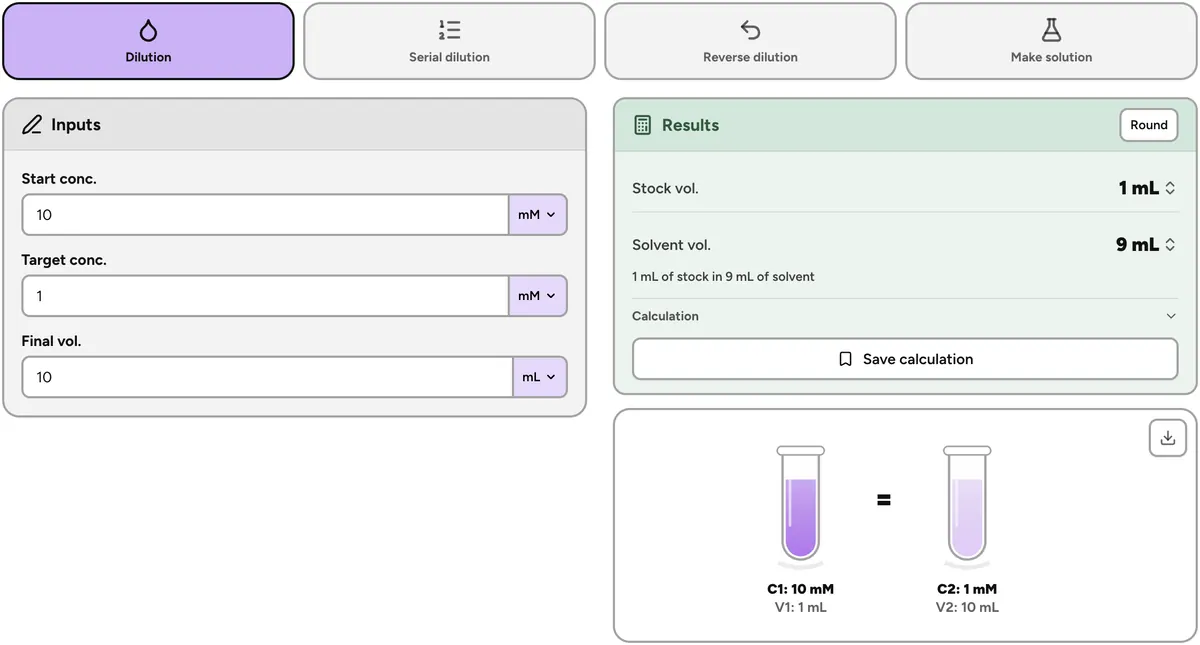
Online dilution calculator

Use the website when you need a quick C1V1 = C2V2, serial dilution, or make-solution mass — without installing an app or creating an account. Sign in to keep saved calculations synced with the Lab Laps mobile app.

Lab Laps dilution calculator with C1V1 = C2V2 stock and solvent results

About this dilution calculator

This free online dilution calculator helps you prep solutions in the browser. Solve C1V1 = C2V2 for stock and solvent, plan a serial dilution series, reverse a mix you already made, or calculate solid mass for a target concentration. Sign in to the web workspace or use the app when you want saved calculations that sync across devices.

How it works

  1. 1Choose dilution, serial, reverse, or make solution.
  2. 2Enter concentrations, volumes, and units.
  3. 3Copy results, export the diagram, or sign in to sync saves.

Who is this for?

Useful for researchers, students, and lab teams who prep buffers, antibiotics, standards, or cell-culture media — anyone who needs a fast dilution or serial series without opening a spreadsheet.

Dilution calculator FAQ

Is the Lab Laps dilution calculator free?

Yes. The public dilution calculator is free and does not require a login. Enter concentrations and volumes to get stock and solvent amounts, run a serial dilution series, reverse a dilution, or calculate mass to make a solution.

What does C1V1 = C2V2 calculate?

Enter start concentration (C1), target concentration (C2), and final volume (V2). The calculator returns how much stock (V1) and solvent to mix. Units cover common molar and mass/volume concentrations used at the bench.

Can I calculate a serial dilution?

Yes. Choose serial dilution mode, set the starting concentration, dilution factor, number of steps, and transfer volume. The tool shows each step concentration and the volumes to pipette.

What is reverse dilution and make solution?

Reverse dilution finds the final concentration and volume when you already know how much stock and solvent you mixed. Make solution calculates the mass of solid needed for a target concentration and volume (with molecular weight when using molar units).

Does this page save my calculations?

No. This public page is for quick calculations only — nothing is saved to an account. For saved calculations that sync with the Lab Laps mobile app, sign in and use /app/dilution.

When should I use the signed-in workspace instead?

Use the public page for a quick, no-login dilution. Sign in for synced saved calculations across devices at /app/dilution — or use the mobile app alongside protocols and timers.

Lab Laps

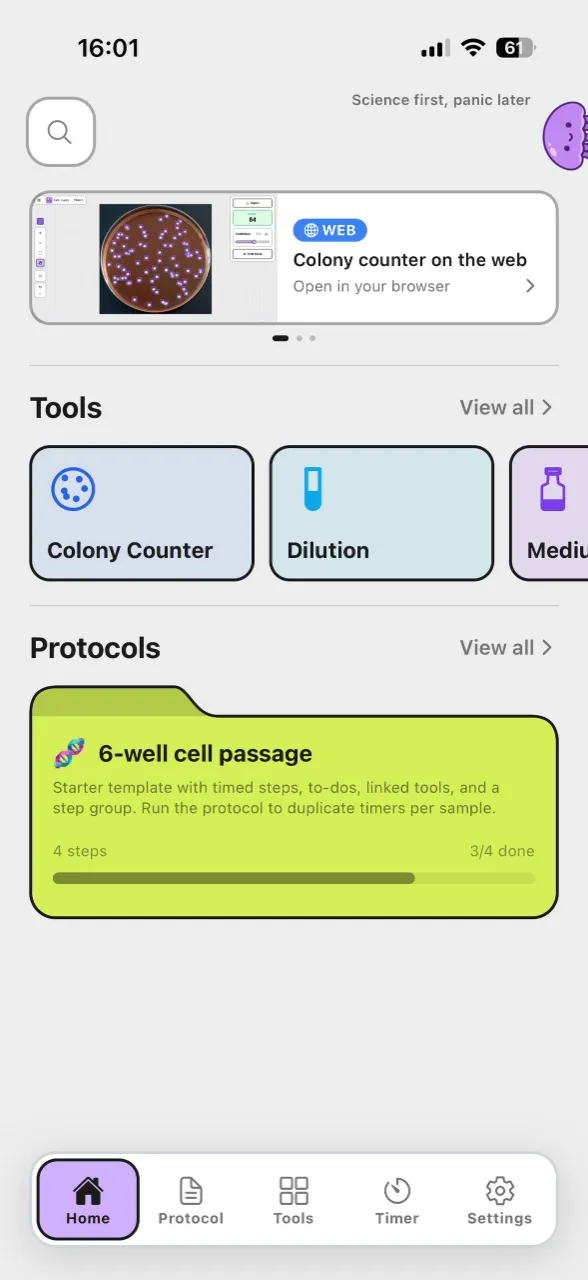
Download Lab Laps and keep your timers, protocols, and tools together in one app.